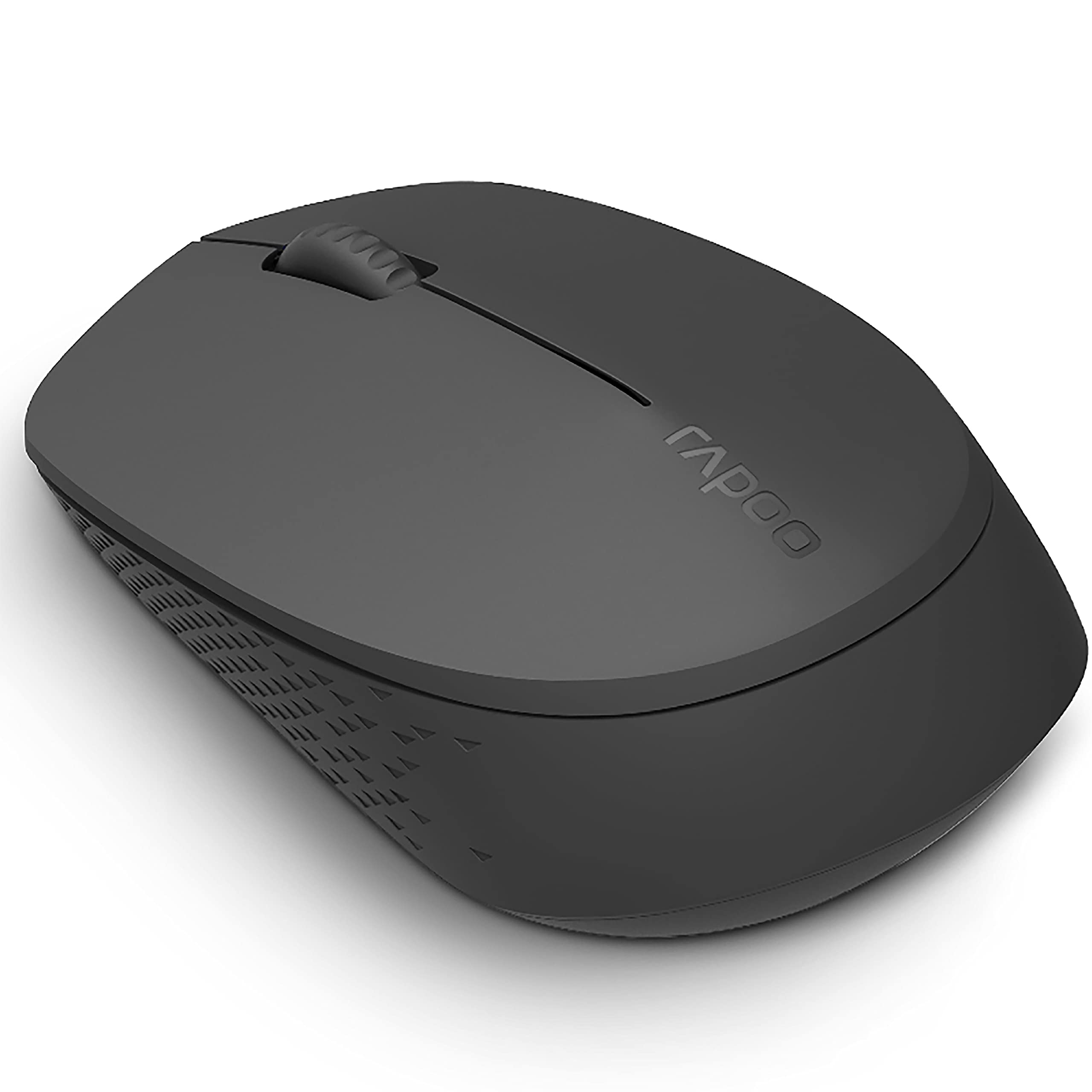
Switch between Bluetooth 3.0, 4.0 and 2.4G The smart switch between Bluetooth 3.0, 4.0 and 2.4G ensures stable wireless transmission. You can still use your mouse regardless of USB port shortage or the loss of receiver. Silent switches reduce click noise Intelligently switch among multiple devices M100 intelligently connects to the working device. It simultaneously connects to up to 3 devices, and switches among them with ease. It simplifies complicated cross-platform use and meets multi-tasking requirements. 1300 DPI tracking engine You will enjoy responsive and smooth cursor control with the 1300 DPI invisible tracking engine. Up to 9 months battery life With Rapoo's energy saving technology and power switch, you can use your mouse without power interruption for up to 9 months.
Switch between Bluetooth 3.0, 4.0 and 2.4G The smart switch between Bluetooth 3.0, 4.0 and 2.4G ensures stable wireless transmission. You can still use your mouse regardless of USB port shortage or the loss of receiver. Silent switches reduce click noise Intelligently switch among multiple devices M100 intelligently connects to the working device. It simultaneously connects to up to 3 devices, and switches among them with ease. It simplifies complicated cross-platform use and meets multi-tasking requirements. 1300 DPI tracking engine You will enjoy responsive and smooth cursor control with the 1300 DPI invisible tracking engine. Up to 9 months battery life With Rapoo's energy saving technology and power switch, you can use your mouse without power interruption for up to 9 months.
Switch between Bluetooth 3.0, 4.0 and 2.4G The smart switch between Bluetooth 3.0, 4.0 and 2.4G ensures stable wireless transmission. You can still use your mouse regardless of USB port shortage or the loss of receiver. Silent switches reduce click noise Intelligently switch among multiple devices M100 intelligently connects to the working device. It simultaneously connects to up to 3 devices, and switches among them with ease. It simplifies complicated cross-platform use and meets multi-tasking requirements. 1300 DPI tracking engine You will enjoy responsive and smooth cursor control with the 1300 DPI invisible tracking engine. Up to 9 months battery life With Rapoo's energy saving technology and power switch, you can use your mouse without power interruption for up to 9 months.
Switch between Bluetooth 3.0, 4.0 and 2.4G The smart switch between Bluetooth 3.0, 4.0 and 2.4G ensures stable wireless transmission. You can still use your mouse regardless of USB port shortage or the loss of receiver. Silent switches reduce click noise Intelligently switch among multiple devices M100 intelligently connects to the working device. It simultaneously connects to up to 3 devices, and switches among them with ease. It simplifies complicated cross-platform use and meets multi-tasking requirements. 1300 DPI tracking engine You will enjoy responsive and smooth cursor control with the 1300 DPI invisible tracking engine. Up to 9 months battery life With Rapoo's energy saving technology and power switch, you can use your mouse without power interruption for up to 9 months.
Last updated at 08/21/2026 20:08:16
Rapoo M100 Silent Wireless Mouse - Dark Grey Silent - Bluetooth - USB Receiver
7-day returns
RAPOO M100 2.4GHz And Bluetooth Wireless Mouse Black
Delivery between Tue – Fri $10
Rapoo Quiet Click M100 Multi-mode 2.4Ghz and BT Wireless Mouse - Black
30-day returns
Rapoo M100 Silent wireless mouse dark grey | KW Tech NZ
Delivery $38.49
RAPOO M100 2.4GHz & Bluetooth 3 / 4 Quiet Click Wireless Mouse Black - 1300dpi Connects up to 3 Devices, 9 months Battery Lif
M100-BLACK
originally posted on pbtech.co.nz
Usage is fine and quiet but:* Battery usage is unbelievably fast. Faster than any other mouse I use. Note their 9 months statement is only if you turn it off every night after using. Expect 1 or 2 months if you dont.* Changing multi devices is possible but unintuitive.
originally posted on pbtech.co.nz
Firstly, when using the mouse over Bluetooth, it would go into low power mode after just a few minutes, meaning it would take a 1-2 seconds to start responding again. Because I do a lot of typing, it meant pretty much every time I go to move the mouse, it wouldn't respond for 1-2 seconds while it "wakes up". Frustrating.Seceondly, the one I got had uneven "feet", meaning it would not sit flat on the desk surface. This could just be poor quality control.
originally posted on pbtech.co.nz
Lightweight and comfortable. Has dongle and bluetooth, so can easily be used with different devices.
| Purpose What the product is used for | Office |
| Buttons type The type of the buttons | Pressed buttons |
| Movement resolution | 1000 DPI |
| Number of scroll wheels | 1 |
| Frequency band | 2.4 GHz |
Rapoo M100 Silent Wireless Mouse - Dark Grey Silent - Bluetooth - USB Receiver
7-day returns
RAPOO M100 2.4GHz And Bluetooth Wireless Mouse Black
Delivery between Tue – Fri $10
Rapoo Quiet Click M100 Multi-mode 2.4Ghz and BT Wireless Mouse - Black
30-day returns
Rapoo M100 Silent wireless mouse dark grey | KW Tech NZ
Delivery $38.49
RAPOO M100 2.4GHz & Bluetooth 3 / 4 Quiet Click Wireless Mouse Black - 1300dpi Connects up to 3 Devices, 9 months Battery Lif
Usage is fine and quiet but:* Battery usage is unbelievably fast. Faster than any other mouse I use. Note their 9 months statement is only if you turn it off every night after using. Expect 1 or 2 months if you dont.* Changing multi devices is possible but unintuitive.
Firstly, when using the mouse over Bluetooth, it would go into low power mode after just a few minutes, meaning it would take a 1-2 seconds to start responding again. Because I do a lot of typing, it meant pretty much every time I go to move the mouse, it wouldn't respond for 1-2 seconds while it "wakes up". Frustrating.Seceondly, the one I got had uneven "feet", meaning it would not sit flat on the desk surface. This could just be poor quality control.
Lightweight and comfortable. Has dongle and bluetooth, so can easily be used with different devices.
Pros: The left/right buttons are very soft and quiet, but still give good tactile response. The plastic it’s made of has a soft, matt finish.It works perfectly with the wireless dongle.Cons: The scroll wheel is not very smooth.When using the Bluetooth with my MacBook there was a lag, but I think this is most likely a problem with my MacBook.
Pros: I use this as a pointing device in conjunction with a 10 inch tablet.Much easier and far more precise than trying to use a finger.Cons: Switch is on the bottom. This could have been placed more conveniently at the back where it can be seen and preventing forgetting to switch off when not in use.A very minor point though, considering its advantages.
Pros: NoneCons: Yes it’s cheap, but could get the battery cover of easily, was really tricky to sync with computer and feels v cheap
Pros: - Works well and easily switches between 3 devices (I use between 2 laptops and a desktop on the same desk)- Bluetooth and Rf connectivity- Quite a lot cheaper than other multi-device mouses- Looks basic but I prefer thatCons: - Hopefully, the battery lasts a while- The scroll wheel has a textured surface, it looks like it may gather dust/dirt over time if not cleaned regularly
Pros: This mouse works perfectly with my iPad Pro. The clicking is very quiet too.Cons: The mouse is smaller than expected - those with big hands may find it uncomfortable after prolonged use.
I bought it a year ago. After couple of months it stopped working. I returned and they changed it, now again the wheel is not working properly. The silent property is very nice but it is not a high quality mouse.
Works as advertised. Works as advertised. Works as advertised.
| Purpose What the product is used for | Office |
| Buttons type The type of the buttons | Pressed buttons |
| Movement resolution | 1000 DPI |
| Number of scroll wheels | 1 |
| Frequency band | 2.4 GHz |

