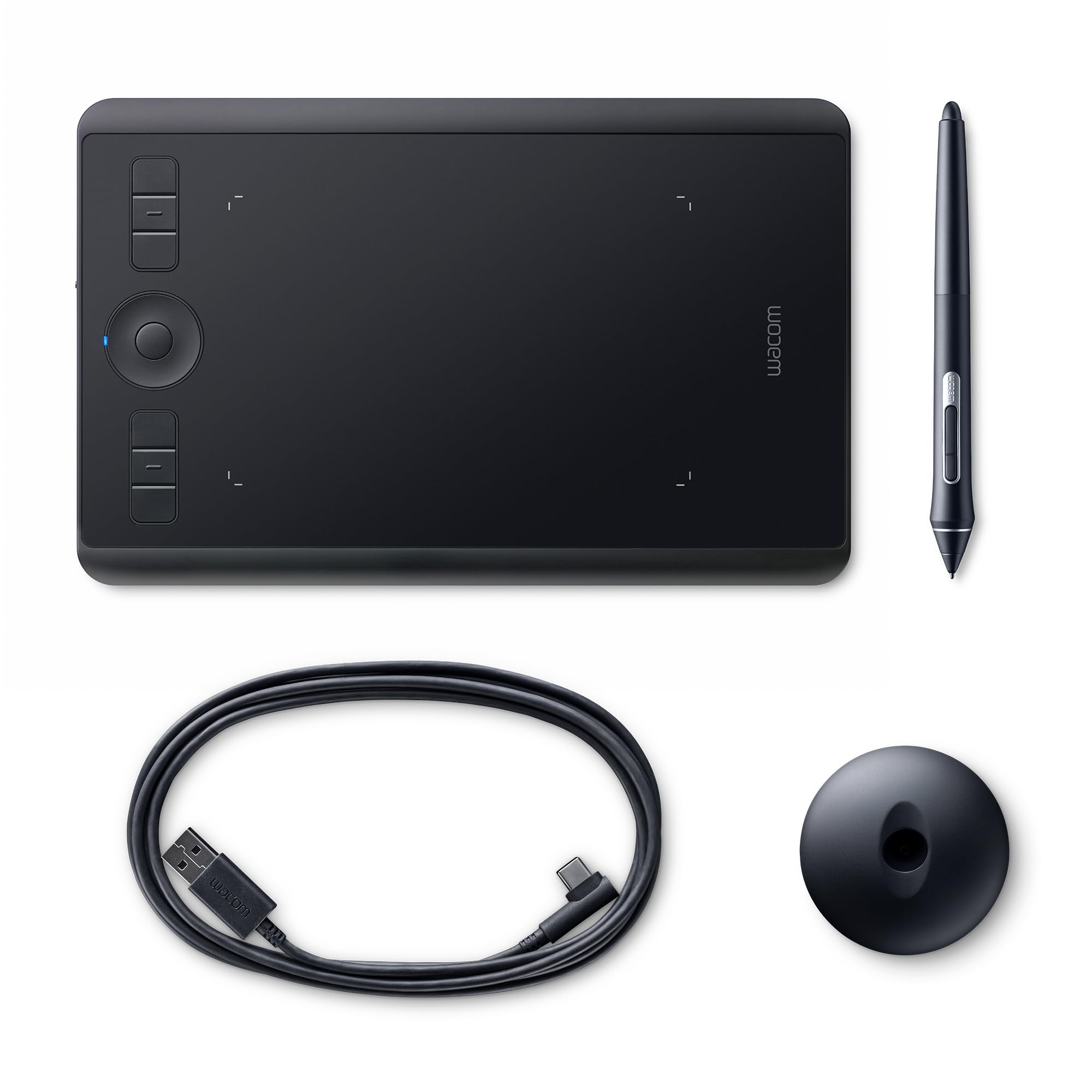
New mechanism steel pen stand (replacement core included) A thinness of only 8 mm is realized with durable material.
New mechanism steel pen stand (replacement core included) A thinness of only 8 mm is realized with durable material.
There are no live offers for Wacom Pen Tablet Intuos Pro Large PTH-860/K0 2017 Model Black New from Japan right now. The all-time low we recorded was $374.21 on 28 Aug 2026. Set a price alert to hear when it's back in stock.
Prices last updated 5 Sept 2026.
Wacom Pen Tablet Intuos Pro Large PTH-860/K0 2017 Model Black New from Japan
New mechanism steel pen stand (replacement core included) A thinness of only 8 mm is realized with durable material.
New mechanism steel pen stand (replacement core included) A thinness of only 8 mm is realized with durable material.
Last updated at 09/05/2026 01:19:20
Wacom Pen Tablet Intuos Pro Pth-860/k0 Large Professional Graphics
Free delivery
Affiliate Disclosure: We may receive a small commission for purchases made through this link at no extra cost to you. This helps support our site. Thank you!
originally posted on pbtech.co.nz
I bought this to prepare online classes, and it is has worked really well in conjunction with google jamboard. Handwriting on a tablet where the lines appear somewhere different from your hand does take a while to get used to -- expect handwriting to be 2x worse. The pen works really well and can be detected when hovering over the tablet, where it is interpreted as mouse movement rather than writing/drawing. The only downside is that occasionally the pen can get too close without touching the surface and accidental lines are drawn. Bluetooth connection to my Mac is stable and maintains itself for hours at a time. Overall I would recommend this tablet. I did consider the smaller one since it's easier to carry around, but having a larger surface is a positive.
originally posted on pbtech.co.nz
Its good works just like any other Wacom Intuos with even more levels of pressure sensitivity , but when running it wirelessly (Bluetooth) it goes to sleep too soon, there may be a way to change that setting, but I haven't found it.
originally posted on pbtech.co.nz
I have purchased over many wacom intuous tablets for our business over the years. The latest model is a nice compact design and does a great job for all those Photoshop/Illustrator retouching and drawing jobs. The Touch feature still gets in the way though. Bluetooth is flacky too.
| Connectivity | USB |
Wacom Pen Tablet Intuos Pro Pth-860/k0 Large Professional Graphics
Free delivery
Affiliate Disclosure: We may receive a small commission for purchases made through this link at no extra cost to you. This helps support our site. Thank you!
I bought this to prepare online classes, and it is has worked really well in conjunction with google jamboard. Handwriting on a tablet where the lines appear somewhere different from your hand does take a while to get used to -- expect handwriting to be 2x worse. The pen works really well and can be detected when hovering over the tablet, where it is interpreted as mouse movement rather than writing/drawing. The only downside is that occasionally the pen can get too close without touching the surface and accidental lines are drawn. Bluetooth connection to my Mac is stable and maintains itself for hours at a time. Overall I would recommend this tablet. I did consider the smaller one since it's easier to carry around, but having a larger surface is a positive.
Its good works just like any other Wacom Intuos with even more levels of pressure sensitivity , but when running it wirelessly (Bluetooth) it goes to sleep too soon, there may be a way to change that setting, but I haven't found it.
I have purchased over many wacom intuous tablets for our business over the years. The latest model is a nice compact design and does a great job for all those Photoshop/Illustrator retouching and drawing jobs. The Touch feature still gets in the way though. Bluetooth is flacky too.
this is the third Wacom tablet I have owned . all Wacom products are great . but this one is really great . I have been using Wacom products for over twenty yearsbut my new intuos pro for about three weeks . cons there are none . pros truly plug and play easy as . larger drawing area . usb plus wireless blue tooth connection . great drawing tool .
Nice tablet, this is my 3rd tablet in the past 5 years. The control wheel in rotation needs improvement, it offsets x and y angles and very hard to reset. Also the controls are sensitive and must turn off the tablet when not in use. Great product but still needs improvement.
Over a year ago I purchased this tablet for art (inking my sketches and digital art) and photography. The first thing that I noticed is that the surfaces has far more texture than my Intuos medium tablet, and that additional texture wears out nibs. Within a week I found myself reverting to my old tablet due to the odd feel and fear of burning though nibs. I am a college student. I dont have money to purchase nibs as a quick turn-over disposable every month after buying a tablet at this price. I know that there are texture sheets available for the tablet, but with a msrp of $500 for the base model (+$50 for the paper edition) this should be plug and play. I would have been happier if a full smooth sheet had been included instead of *small* sample circles. To try to ... MoreOver a year ago I purchased this tablet for art (inking my sketches and digital art) and photography. The first thing that I noticed is that the surfaces has far more texture than my Intuos medium tablet, and that additional texture wears out nibs. Within a week I found myself reverting to my old tablet due to the odd feel and fear of burning though nibs. I am a college student. I dont have money to purchase nibs as a quick turn-over disposable every month after buying a tablet at this price. I know that there are texture sheets available for the tablet, but with a msrp of $500 for the base model (+$50 for the paper edition) this should be plug and play. I would have been happier if a full smooth sheet had been included instead of *small* sample circles. To try to negate the friction, I tried to use baking waxed paper to draw on. After a while the paper started to warp and wrinkle, so I have almost stopped using the device.I told myself that I would give it two solid months of use before buying a texture sheet, but still have not given it that that much of a work out due to my concern with every stroke I take wearing out the nib. At this point I feel like I have owned it long enough to write a review even without the extensive work out I had hoped.Pros:++USB-C cable: I have started to switch to (and love) these cables. I am glad that Wacom has support for this.++Solid feel: While this tablet does flex *slightly* I love its look and design, but at the price point I do expect this.++Aesthetically pleasing: Another thing that I expect at the price premium+Physical media interaction: Even with my Intous medium I had been thinking about this.Cons:---THE TEXTURE: I know that many people say that it is for a paper-like feel. If I wanted a paper-like feel, I would clip a piece of paper to the top and draw on that.-- No included alternative sheets: I get that it raises the cost of the product, but Wacom takes a good markup on drawing panels and tablets. For a “pro” line product, this really made me feel like a sucker.TLDR;The tablet looks and feels good and I want to like it, but I feel like I have been suckered by a company that I have respected just for them to get more nib sales.For those who are looking at buying a drawing tablet like this, keep in mind that the texture on is rough side and eats nibs. If that means you buy another brand like Huion, so be it. If not, I recommend budgeting for the $40 smooth texture sheet (though I personally have not purchased this yet).
feels and looks great but the paper feature leaves a little to be desired. specifically the new pen, it's too thin and to get a thicker pen is a whole new expense. They need different pen thickness options.
| Connectivity | USB |

